
-92%
License: GPL | Version: v16.8 | Developer: Yoast
This is The Exact Same File as Distributed by The Developer (Click Here)
Yoast WooCommerce SEO Premium v16.8
Original price was: $49.00.$3.99Current price is: $3.99.
400
Items sold in last 4 weeks
20
People watching this product now!
Description
If you’re running an online store on WooCommerce, you already know the importance of SEO. With millions of online businesses competing for the top spot in search engine results pages (SERPs), it’s essential to optimize your website to rank higher.
That’s where Yoast WooCommerce SEO Premium comes in. Yoast is a powerful SEO tool that can help you improve your online store’s visibility and drive more traffic to your website.
What is Yoast WooCommerce SEO Premium?
Yoast WooCommerce SEO Premium is a plugin that helps online store owners optimize their websites for search engines. It’s an extension of the popular Yoast SEO plugin, specifically designed for WooCommerce stores.
This plugin provides you with the tools you need to optimize your product pages, categories, and other areas of your online store. With Yoast WooCommerce SEO Premium, you can:
- Optimize product titles and descriptions for better visibility
- Generate XML sitemaps and submit them to search engines
- Add schema markup to your product pages for richer snippets in search results
- Analyze your website’s performance and get actionable suggestions for improvement
- And much more!
How can Yoast WooCommerce SEO Premium benefit your online store?
Improved search engine visibility: Yoast WooCommerce SEO Premium helps you optimize your product pages and categories for better search engine visibility. This means your website will appear higher in search results, driving more traffic to your online store.
Increased sales: When your online store ranks higher in search results, it’s more likely that potential customers will find and purchase from your store. This can lead to increased sales and revenue for your business.
Better user experience: Yoast WooCommerce SEO Premium helps you optimize your website for both search engines and users. By providing valuable content and a smooth shopping experience, your customers will be more likely to return to your store and recommend it to others.
How to Install Yoast WooCommerce SEO Premium Plugin: A Step-by-Step Guide
In this guide, we’ll walk you through the steps to install Yoast WooCommerce SEO Premium and get it up and running on your site.
Step 1: Purchase Yoast WooCommerce SEO Premium
To start, you’ll need to purchase Yoast WooCommerce SEO Premium from the GplClick website. You can choose from different pricing plans depending on your needs, and once you complete your purchase, you’ll receive a download link in https://gplcare.com/my-account/downloads/.
Step 2: Install Yoast WooCommerce SEO Premium
Once you have the plugin file, you can install it on your site by following these steps:
- Log in to your WordPress dashboard
- Go to Plugins > Add New
- Click on the “Upload Plugin” button at the top of the screen
- Select the Yoast WooCommerce SEO Premium file from your computer and click “Install Now”
- Wait for the installation process to complete, and then click “Activate Plugin” to activate the plugin on your site
Step 3: Configure Yoast WooCommerce SEO Premium Settings
After you’ve installed and activated the plugin, you’ll need to configure its settings to optimize your WooCommerce site for search engines. Here are the key settings you should focus on:
- General Settings: Here, you can set your site’s title and meta description, social profiles, and other basic information that search engines use to understand your site’s content.
- Titles & Meta Settings: This section allows you to customize the way your site’s titles and meta descriptions appear in search engine results pages (SERPs), as well as set up breadcrumbs and other advanced settings.
- Social Settings: Yoast WooCommerce SEO Premium allows you to add social media metadata to your site, which can improve how your content appears when shared on social media platforms.
- XML Sitemaps: This feature creates an XML sitemap for your site, which helps search engines crawl and index your content more effectively.
- WooCommerce Settings: This section contains specific settings for optimizing your WooCommerce store, including product and category metadata, structured data, and more.
Step 4: Use Yoast WooCommerce SEO Premium to Optimize Your Content
Once you’ve configured the plugin’s settings, you can start using Yoast WooCommerce SEO Premium to optimize your content. The plugin offers features like content analysis, keyword optimization, internal linking suggestions, and more to help you improve your on-page SEO.
By following these steps, you can install and configure Yoast WooCommerce SEO Premium and take your WooCommerce store’s SEO to the next level.
🔔 SPECIAL OFFER 50% DISCOUNT ON ALL MEMBERSHIP PLANS USE PROMO CODE: AYESHA50
GPLCARE Updater Plugin
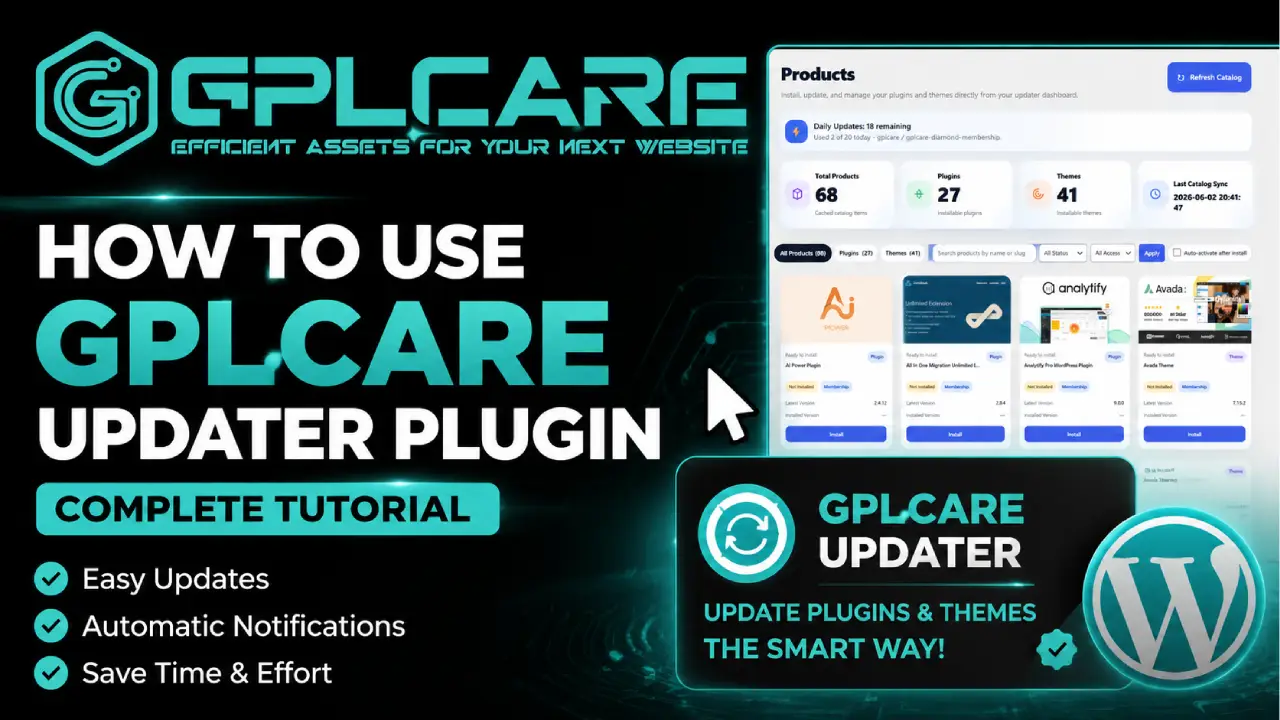
GPLCARE Updater Plugin Tutorial
New to GPLCARE? Watch this step-by-step tutorial to learn how to install, activate, and use the GPLCARE Updater Plugin directly from your WordPress dashboard.

Easy Installation Guide
Install the GPLCARE Updater Plugin in a few steps.

Update Management
Update themes and plugins directly from WordPress.

Tips & Best Practices
Keep your website updated and secure.
Support and updates
What is included?
Documentation You will find the item’s documentation within the .zip file you download.
Updates Available
You'll always have access to the latest features, fixes, and security updates. Simply re-download the item to get the most up-to-date files. You can find the updates change-log on the item’s description.
What is not included?
Author Support
Author support is not available for items downloaded on GPLCare. If you need support from this item’s author, we recommend you take a look at this item on Original Author. If support is offered, you will receive 6 months of support when you purchase the item there.
Technical support from GPLCare
GPLCare doesn’t offer technical support for individual items. If you need further assistance, please visit our Help center and create Support Tickets here.
Automatic updates All updates require manual installation.
You must be logged in to post a review.




Reviews
Clear filtersThere are no reviews yet.